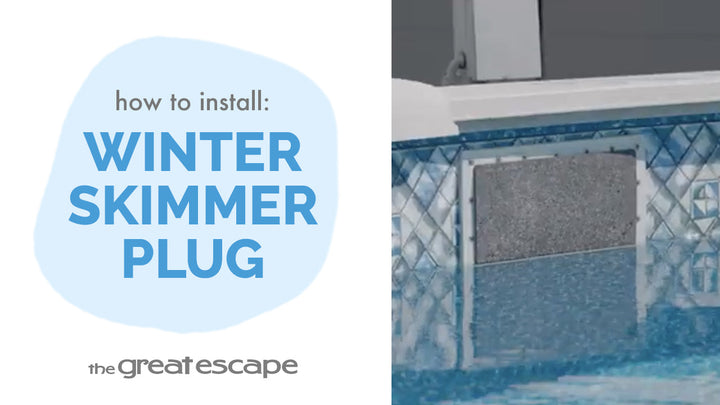
Prepare your pool for winter with our step-by-step guide on draining and plugging a Hayward skimmer and return, featuring an Aqualuminator light return plug. This tutorial ensures your pool is protected during the off-season, preventing damage from ice and cold weather.
Guide details
Key Takeaways:
1. Draining your pool below the skimmer faceplate helps protect your pool's top rails from ice damage.
2. Properly plugging your skimmer and return ensures no water seeps in, preventing winter damage.
3. The process includes handling both standard and Aqualuminator light returns for comprehensive winterization.
Step-by-Step Process:
1. Prepare Your Pool: After balancing and winterizing the water, drain it to the bottom lip of the skimmer faceplate.
2. Plugging the Skimmer:
- Remove the weir gate and basket from the skimmer.
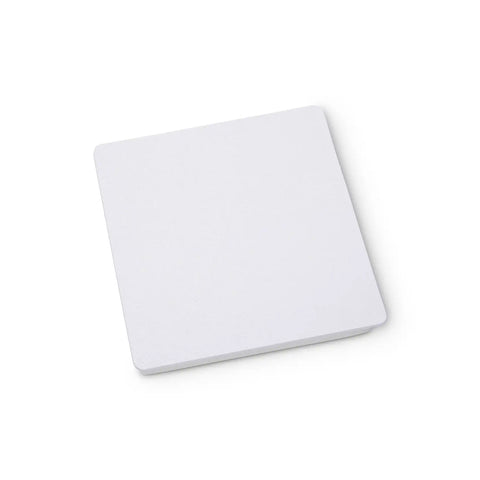
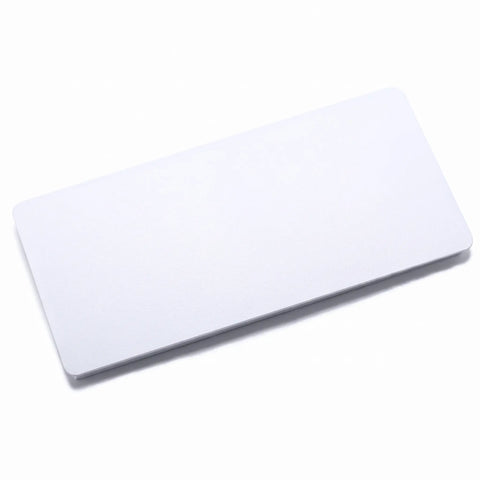
- Push the skimmer plug into the skimmer faceplate, ensuring it's securely in place.
- Ensure the skimmer opening is unobstructed for drainage during winter.
3. Plugging the Return:
- Loosen and remove the ring and eyeball from inside the pool.
- Use the Hayward hydrotool to remove the inner thread, if necessary.
- Screw in the Hayward 1022 black cap into the return, ensuring it's tightly secured.
4. Handling the Aqualuminator Return Light:
- Unplug the light and remove the back cap.
- Disconnect the connectors under the cap, allowing you to store the transformer and cord.
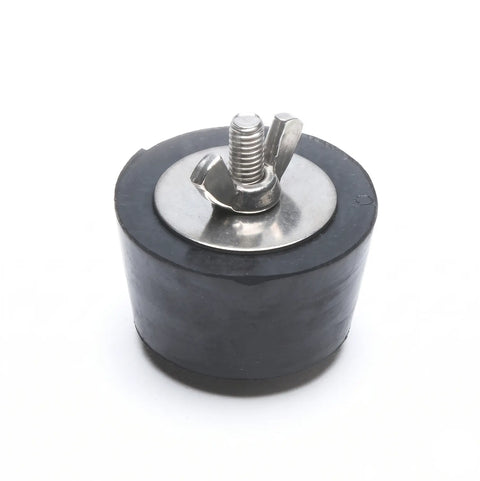
- Remove the lock ring and light assembly, then quickly plug the hole with a Number 9 expandable plug.
- Secure the plug by tightening the wing nut.
Resources and Explanations:
1. Skimmer Plug: Prevents water from entering the skimmer and freezing during winter.
2. Seat Removal Return Tool: Assists in removing the inner thread of the eyeball assembly.
3. Winterizing Return Plug: Seals the return light opening, preventing water loss and damage.