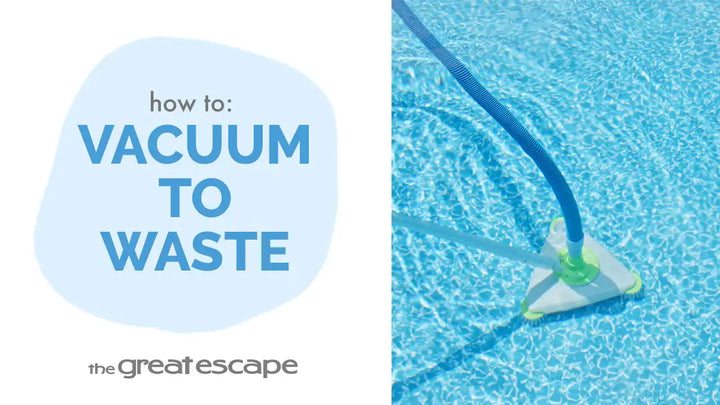
In this tutorial, we’ll walk you through how to efficiently vacuum your pool using the Hayward AquaRay automatic cleaner. Whether it’s your first time or you’re looking for tips to streamline the process, this guide has you covered for maintaining a sparkling clean pool.
Guide details
Key Takeaways:
1. Learn how to install the Aqua Ray cleaner adapter to your skimmer.
2. Properly prime your vacuum hose for an effective cleaning process.
3. Essential storage tips for keeping your AquaRay cleaner functioning properly.
Step-by-Step Process:
1. Turn off the pump and remove the skimmer lid and skimmer basket.
2. Insert the Aqua Ray adapter into the bottom of the skimmer, ensuring it’s firmly in place.
3. Turn the pump back on and place the cleaner into the pool.
4. Prime the hose by holding the hose in front of the return to remove all air and allow it to fill with water.
5. Guide the hose through the skimmer and connect it to the hose adapter. The AquaRay cleaner will begin pulsing and vacuuming the pool.
6. Once cleaning is complete, turn off the pump and disassemble the cleaner by removing the adapter and the skimmer components.
7. Store your hoses straight across to prevent issues with cleaner function.