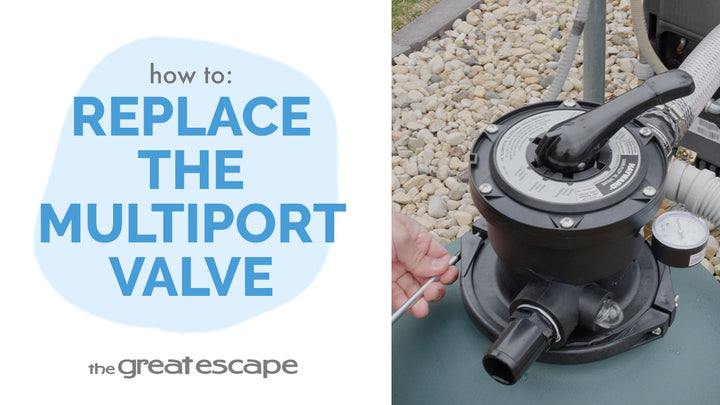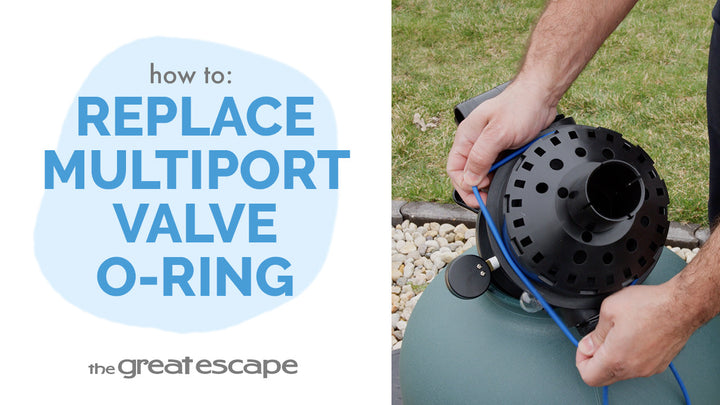
Got a loose filter lid or worn-out locking tabs? In this quick tutorial, we’ll walk you through the simple steps to replace the locking tabs on your Hayward Voyager cartridge filter—keeping your system sealed and secure for smooth pool operation.
Guide details
Key Takeaways:
1. Replacing locking tabs prevents leaks and ensures a tight seal.
2. This simple repair requires only a flathead screwdriver.
3. Shutting off water flow and releasing pressure is essential before disassembly.
Step-by-Step Process:
1. Stop water flow using shut-off valves or black plugs in the skimmer and return.
2. Open the air relief valve to release pressure.
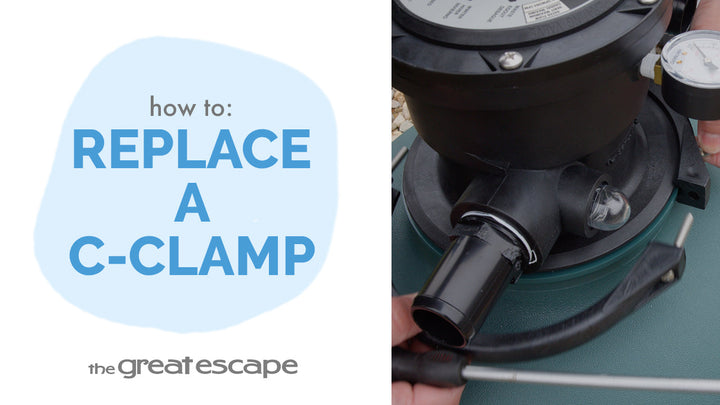
3. Loosen the black ring by holding the tabs and turning it counterclockwise.
4. Unscrew the drain plug and fully drain the tank.
5. Remove the black ring and pop out the old locking tabs.
6. Snap new tabs into place, align and press gently.
7. Reassemble the tank lid and tighten the ring by hand.