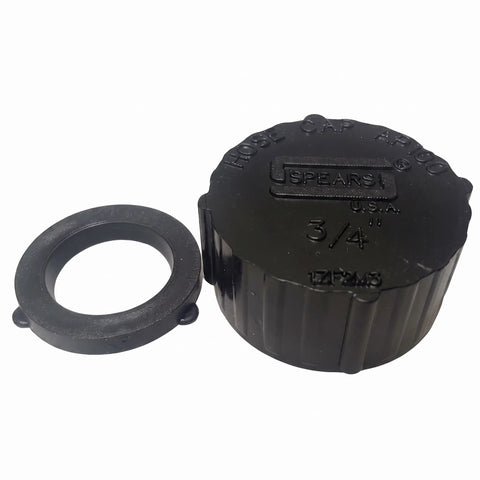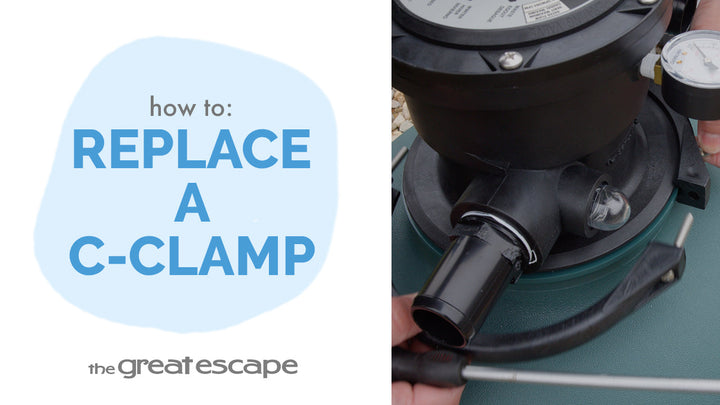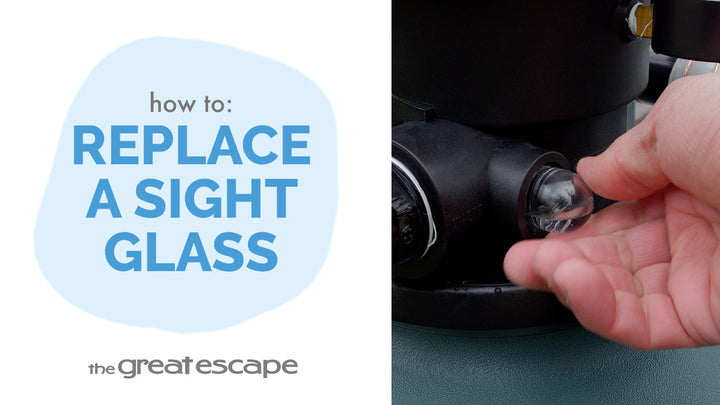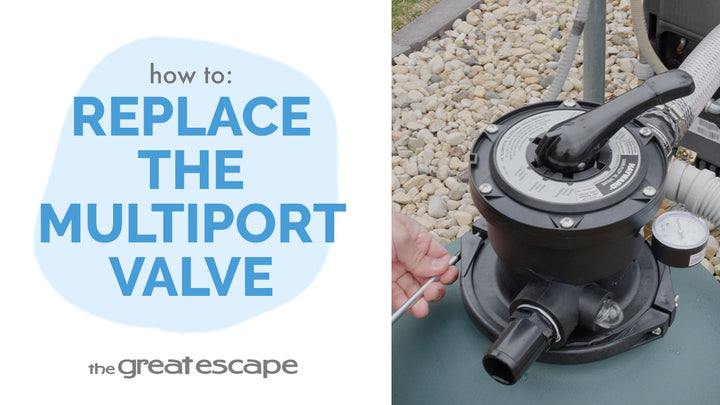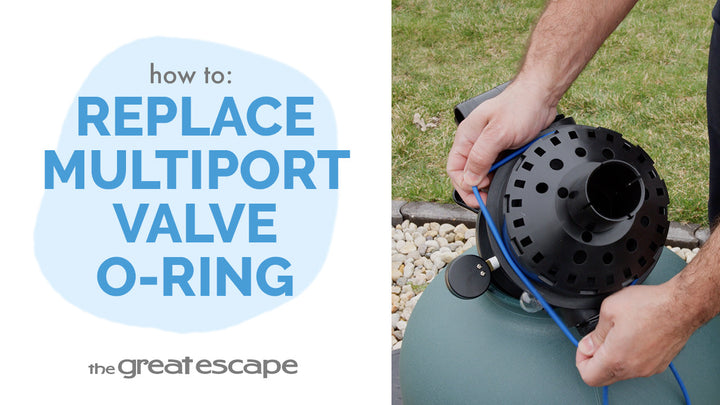
Learn how to replace the black drain cap on your Hayward Voyager cartridge filter in just a few easy steps. Whether you’re doing seasonal maintenance or fixing a small leak, this tutorial will help you get the job done quickly and correctly.
Guide details
Key Takeaways:
1. Always stop water flow and release pressure before starting
2. Use the Hayward seat removal tool for tough caps
3. Ensuring a tight seal prevents leaks and keeps your system running smoothly
Step-by-Step Process:
1. Stop water flow using shut-off valves or Hayward black plugs.
2. Open the air relief valve to release built-up pressure.
3. Turn the old drain cap counterclockwise to remove.
4. If stuck, use the Hayward seat removal tool.
5. Install the new drain cap by turning it clockwise until fully tightened.