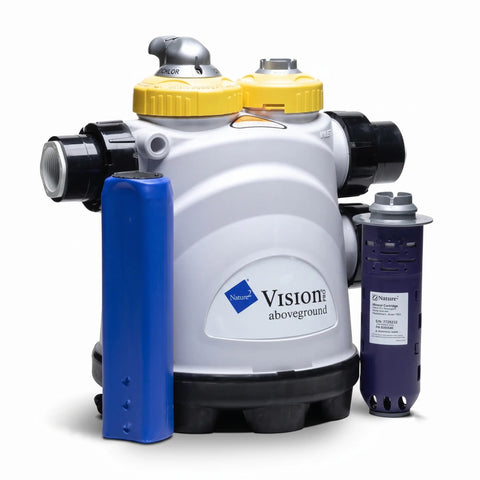
A fresh Nature 2 mineral cartridge keeps your pool water clean and sparkling. In this quick tutorial, The Great Escape team walks you through the simple process of replacing your cartridge to maintain peak performance in your Pro Vision system.
Guide details
Key Takeaways:
1. Always shut off the pump before beginning maintenance.
2. Ensure the O-ring is properly seated for a watertight seal.
3. Regular cartridge replacement keeps water fresh and your system running efficiently.
Step-by-Step Process:
1. Turn off your pump and, if available, close the valves on either side of the Pro Vision unit to prevent water loss.
2. Turn the small collar counterclockwise and remove it.
3. Remove the old Nature 2 mineral cartridge and discard it.
4. Insert the new cartridge into place.
5. Check that the O-ring is seated correctly in the groove for a proper seal.
6. Tighten the collar by turning clockwise until secure.