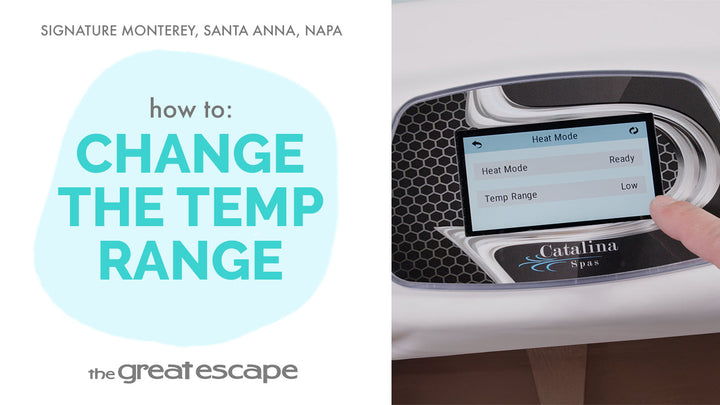
Need to pause your spa’s pumps for a service check or maintenance? This quick tutorial walks you through how to activate “HOLD” mode on your Catalina Signature Series hot tub. Learn how to safely disable pump functions without draining your spa—or your patience.
Guide details
Key Takeaways:
1. HOLD mode temporarily disables pumps for safe maintenance.
2. The mode will automatically turn off after 1 hour.
3. You can manually exit HOLD mode any time from the settings screen.
Step-by-Step Process:
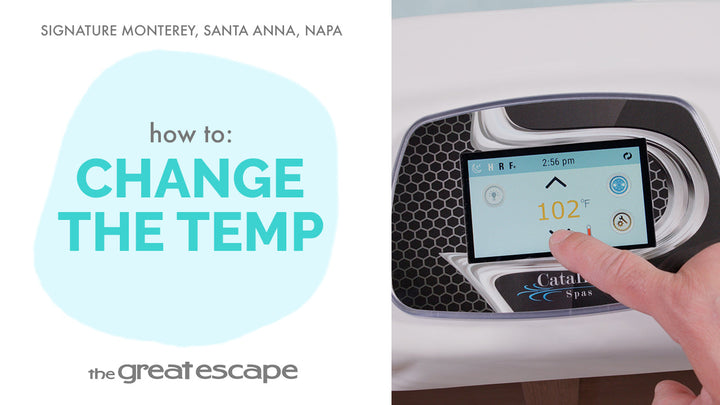
1. Tap the touchscreen to wake the spa’s display.
2. Press the “1” and “2” icons to open the main menu.
3. Tap “SETTINGS” then select the “HOLD” icon.
4. To manually exit HOLD mode, tap the “RETURN” button in the upper left.