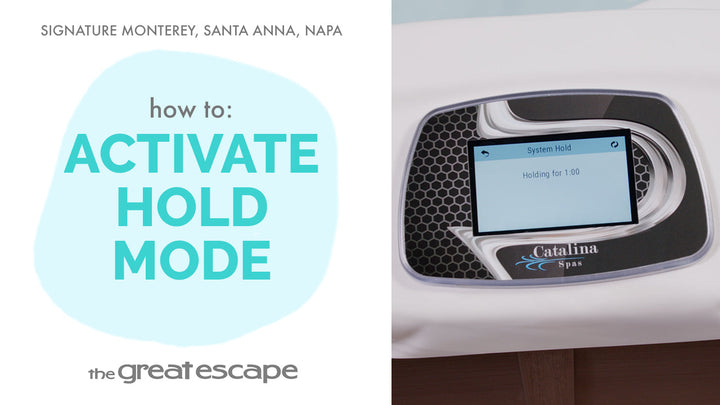
Looking to set the perfect ambiance for your spa soak? This tutorial walks you through the Catalina Signature Series light controls—from turning them on to locking in your favorite color. Whether you're relaxing after a long day or entertaining guests, learn how to tailor your spa lighting experience with just a few taps.
Guide details
Key Takeaways:
1. Easily activate and customize your spa's LED light settings
2. Lock in a preferred light color for consistent ambiance
3. Restart or turn off lights with simple screen taps
Step-by-Step Process:
1. Tap the screen to wake the display
2. Press the “1” and “2” icons to unlock the panel
3. Tap the light icon to start the rotating color cycle
4. Press the light icon twice to lock in a specific color
5. Press it two more times to resume rotation 6. Press once to turn the lights off