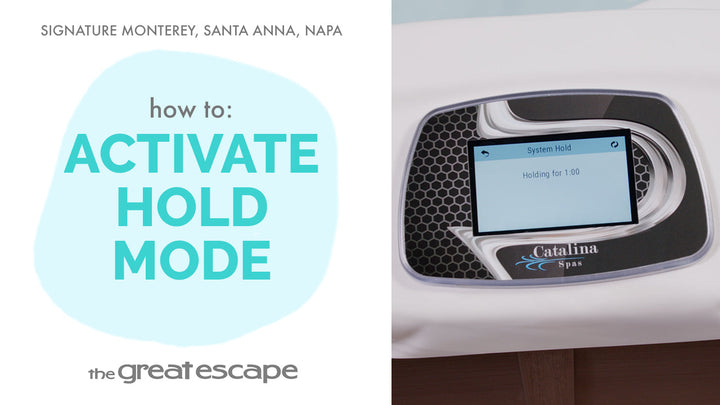
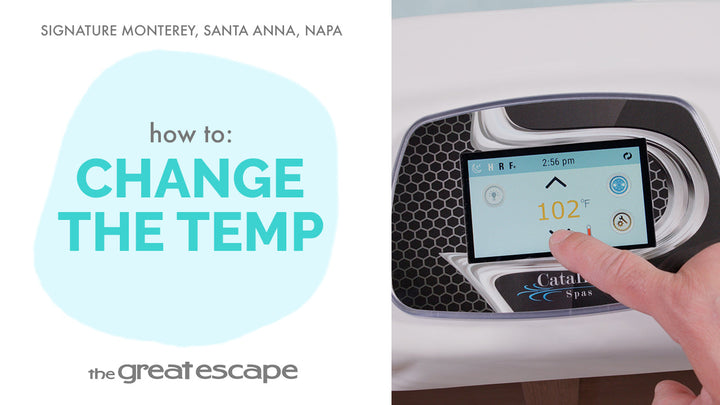
Your Signature Series spa from The Great Escape is built for year-round comfort and energy efficiency. Whether you're looking to conserve energy or enjoy a therapeutic soak, adjusting the temperature range gives you total control. In this quick guide, we’ll show you exactly how to toggle between high and low temp ranges for your Catalina spa.
Guide details
Key Takeaways:
1. Easily switch between high (80–104°F) and low (50–99°F) temp settings
2. Save energy by setting your spa to low range during warmer months or downtime
3. Simple touch screen controls let you manage heat preferences in seconds
Step-by-Step Process:
1. Tap the screen to wake up your spa’s control panel
2. Press the “1” and “2” icons to open the main menu
3. Select the “SETTINGS” icon
4. Tap “HEAT,” then choose “TEMP RANGE”
5. Pick either “HIGH” or “LOW” to suit your needs