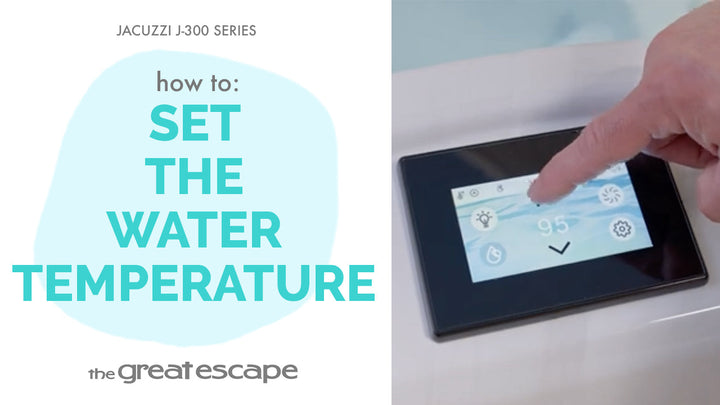
Your hot tub’s water quality is only as good as its filtration schedule! This quick guide shows you how to adjust the secondary filter on your Jacuzzi 300 Series to match your usage and keep water fresh between dips.
Guide details
Key Takeaways:
1. Choose between Frequent, Infrequent, or Away modes based on your usage.
2. Secondary filter settings support energy efficiency and water clarity.
3. The process takes less than a minute to complete.
Step-by-Step Process:
1. Tap the screen to wake up the display.
2. Press the “One” and “Two” buttons to access the main controls.
3. Tap the Settings icon, then the Filtration icon.
4. Select Secondary Filter.
5. Choose the mode that matches your lifestyle: Frequent, Infrequent, or Away.
6. Confirm your selection by tapping the checkmark.
Resources and Explanations:
1. Frequent: Best for daily use to keep water clear and balanced.
2. Infrequent: Ideal for occasional use while conserving energy.
3. Away: Minimizes filtration when the spa won’t be used for an extended time.
4. Digital Touch Panel: Easy navigation to keep settings aligned with your habits.