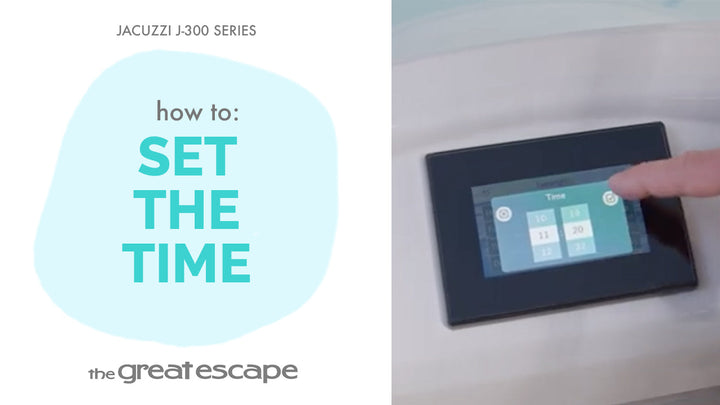
Your soak, your vibe. In this quick tutorial, we’ll show you how to turn on and customize the interior lights of your Jacuzzi 300 Series hot tub. From subtle glow to vibrant color, you’re just a few taps away from setting the perfect ambiance.
Guide details
Key Takeaways:
1. Light settings can be adjusted from the main control panel.
2. Choose from dim, color scroll, or a fixed favorite hue.
3. Lighting is easily customized to match your mood.
Step-by-Step Process:
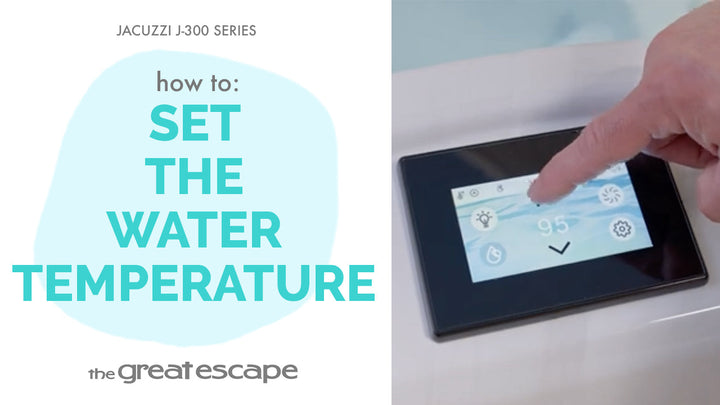
1. Tap the screen to wake up your spa’s control panel.
2. Press the “one” and “two” buttons to activate lighting controls.
3. Tap the Light icon to enter the lighting menu.
4. Tap the left icon once to turn on the lights, twice to dim, and a third time to turn them off.
5. Tap the middle icon to scroll through color options.
6. Tap the right icon to select and lock in your favorite color.
Resources and Explanations:
1. Light Icon Controls: Provide three interactive options to toggle brightness, activate a color loop, or choose a specific color.
2. Custom Ambiance: Lighting isn’t just functional—it helps transform your spa experience.
3. Digital Panel Navigation: Lighting controls are accessible right from your Jacuzzi spa touchscreen.