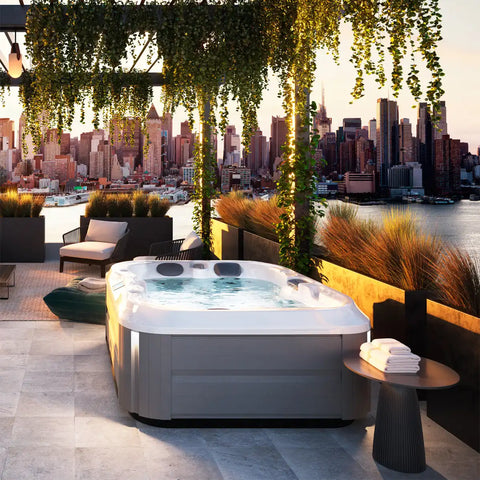
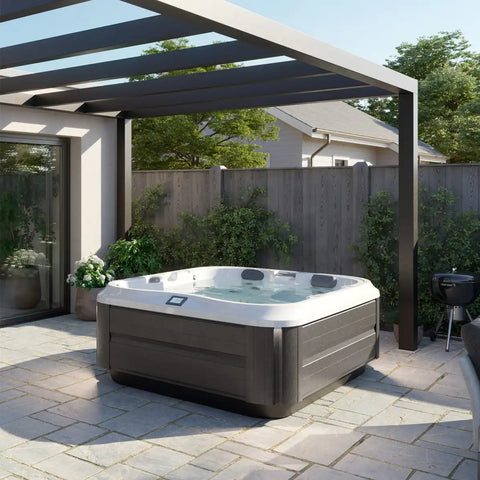
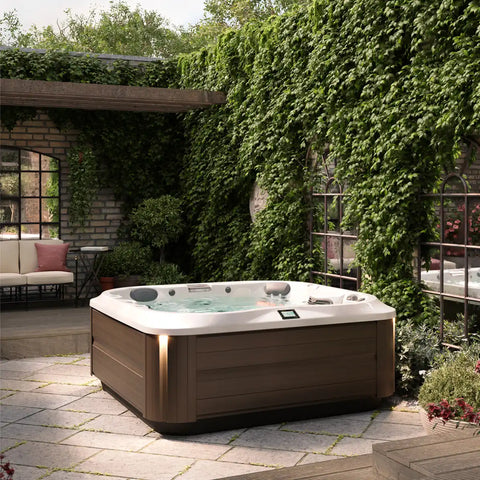
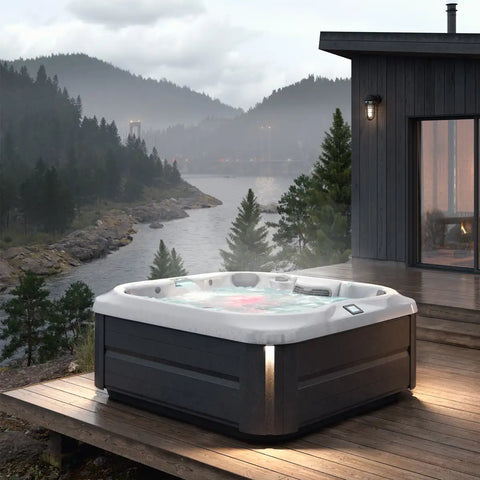
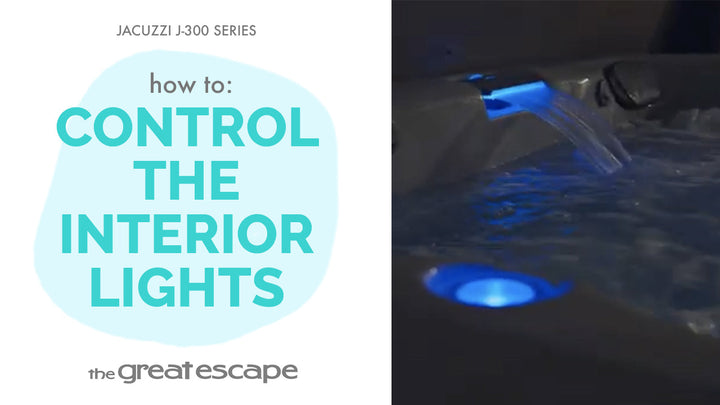
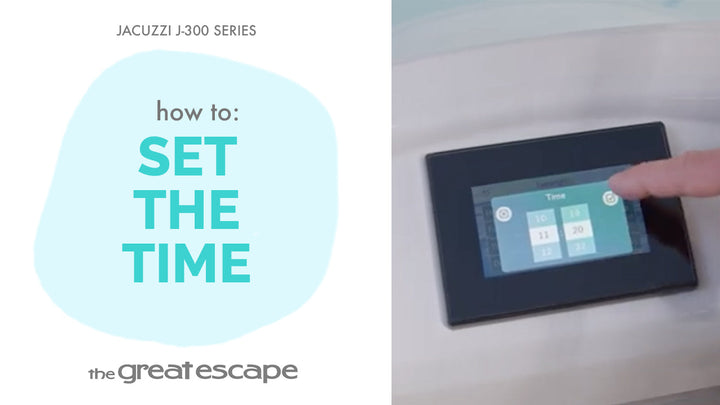
Set the tone before you even step in. In this short tutorial, we’ll walk you through how to activate and customize the exterior lighting on your Jacuzzi 300 Series hot tub—because ambiance starts from the outside in.
Guide details
Key Takeaways:
1. Control your spa’s exterior lights with just a few taps.
2. Optional timer feature allows lights to auto-turn on and off.
4. Easy access to lighting controls from the main panel.
Step-by-Step Process:
1. Tap the screen to wake up the control panel.
2. Press the “one” and “two” buttons to unlock full access.
3. Tap the Light icon to enter the lighting menu.
4. Tap the bottom icon to activate the exterior lights.
5. Tap the icon again to set a timer (e.g., lights on at 7 PM, off at midnight).
6. Press once more when you’re ready to turn the lights off.
Resources and Explanations:
1. Exterior Lighting Control: Lets you illuminate your spa surroundings for enhanced safety and aesthetics.
2. Built-in Timer: Helps automate your spa lighting schedule without the need for extra equipment.
3. User-Friendly Interface: The intuitive digital panel keeps things simple and customizable.