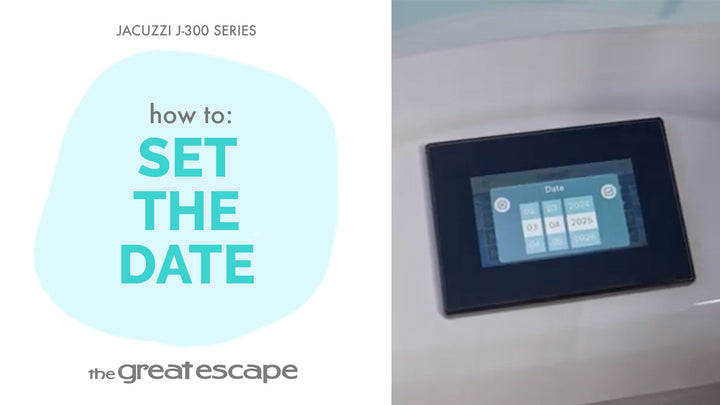
Keeping your spa’s schedule on track starts with the correct time. In this quick guide, we’ll walk you through setting the clock on your Jacuzzi 300 Series hot tub—an essential step for making sure your heat and filtration cycles stay on point.
Guide details
Key Takeaways:
1. Set the time in just a few taps.
2. A correct time setting ensures your spa runs on its filtration and heating schedule.
3. Accessible via the main control panel.
Step-by-Step Process:
1. Tap the screen to wake the display.
2. Press the “one” and “two” buttons to unlock full access.
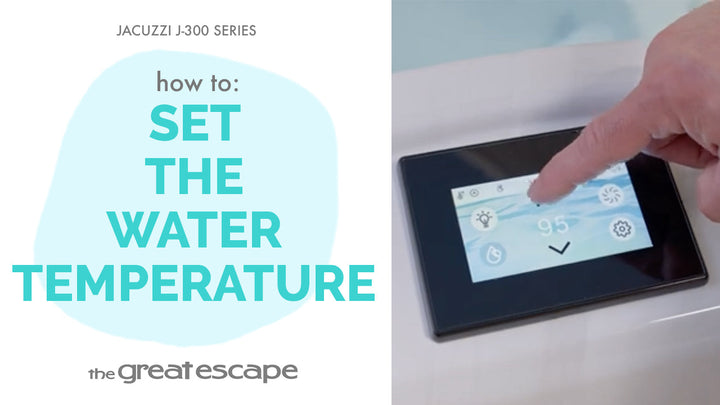
3. Tap the Settings icon.
4. Select the Time icon.
5. Scroll up or down to adjust the time.
6. Confirm your selection—the time is now set!
Resources and Explanations:
1. Settings Menu: Gives you control over your spa’s scheduling and behavior.
2. Filtration & Heating Sync: Proper time setting keeps all automatic cycles accurate.
3. User Interface: Simple and intuitive touchscreen navigation.