An accurate date keeps your spa’s operations current and your scheduling features running smoothly. In this tutorial, we’ll walk you through setting the date on your Jacuzzi 300 Series hot tub in just a few simple steps.
Guide details
Key Takeaways:
1. Keep your system’s scheduling accurate and organized.
2. Simple touchscreen navigation makes date setting easy.
3. Adjust the month, day, and year individually.
Step-by-Step Process:
1. Tap the spa control screen to wake it up.
2. Press the “one” and “two” buttons together to unlock full access.
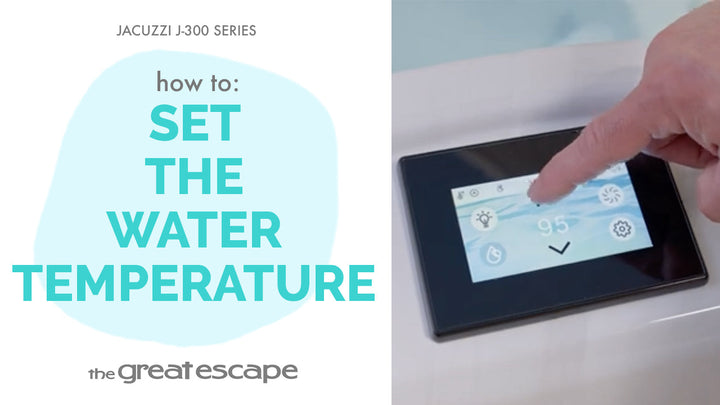
3. Tap the Settings icon.
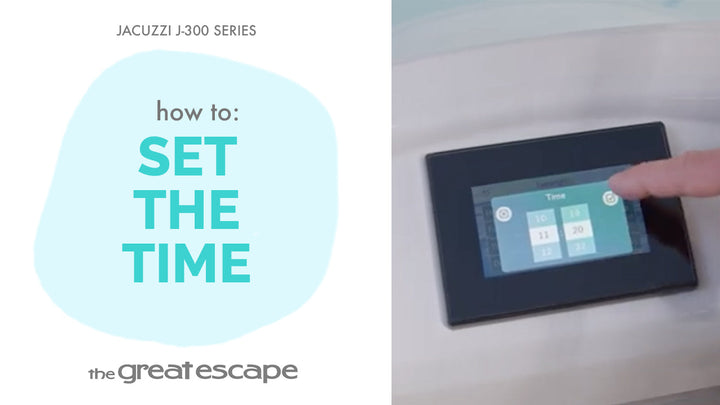
4. Select the Date icon.
5. Scroll up or down to adjust the month, date, and year.
6. Tap the checkmark to confirm your settings.
Resources and Explanations:
1. Settings Menu: Central hub for customizing spa functionality.
2. Date Accuracy: Helps the system coordinate features like filtration cycles, reminders, and diagnostics.
3. User Interface: Touchscreen makes it fast and intuitive.