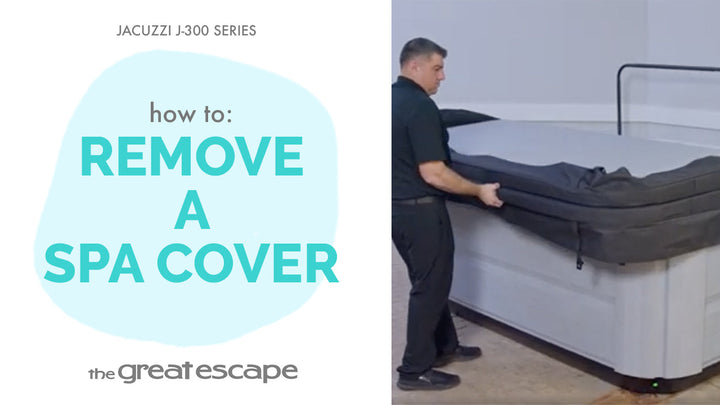
Ready to elevate your hot tub experience? In this quick tutorial, we’ll show you how to use the massage selectors on your Jacuzzi 300 Series spa to personalize your hydrotherapy session. Whether you want an all-over soak or a targeted massage, the control is literally at your fingertips.
Guide details
Key Takeaways:
1. Your spa includes two massage selectors for multi-zone jet control.
2. The middle setting offers a balanced, full-body massage.
3. Adjust left or right to intensify specific jet groups for targeted relief.
Step-by-Step Process:
1. Locate the two massage selectors on your Jacuzzi 300 Series spa.
2. For a balanced massage, set both selectors to the middle position.
3. To focus more pressure on a specific seat, turn the selector left or right.
4. Feel the change in water pressure and find the setting that suits you best.
5. Fine-tune both selectors until you reach your preferred massage style.
Resources and Explanations:
1. Massage Selectors: These allow you to direct water flow to different jet zones, giving you control over which areas get more or less pressure.
2. Middle Position: Recommended starting point for even distribution of massage.
3. Directional Adjustments: Rotate selectors to shift pressure between different groups of jets.