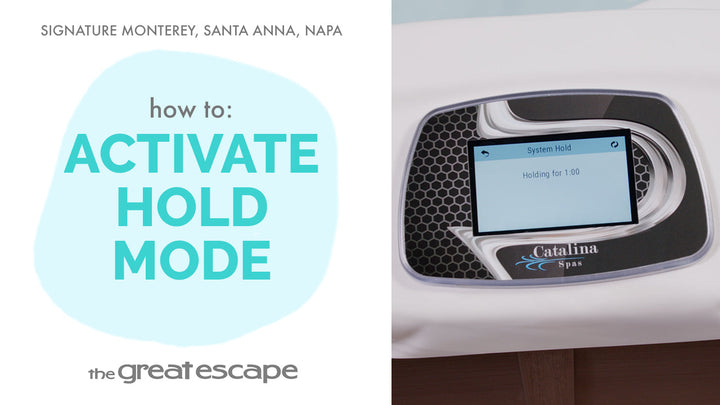
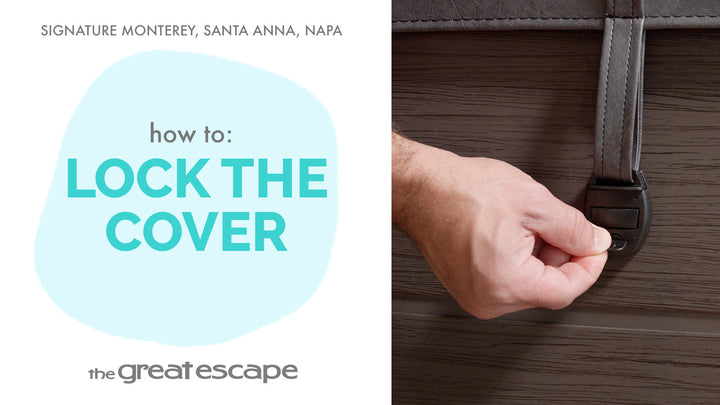
Looking to secure your hot tub settings from accidental changes? In this tutorial, we’ll walk you through the quick and easy process of locking and unlocking the control panel on your Signature Series spa, including both the Panel Lock and Settings Lock options.
Guide details
Key Takeaways:
1. Locking your panel prevents unwanted use or setting changes.
2. You can choose between full Panel Lock or partial Settings Lock.
3. Unlocking the spa is as simple as a five-second hold.
Step-by-Step Process:
1. Tap the screen to wake the control panel.
2. Press the “1” and “2” icons to enter the main menu.
3. Select “SETTINGS,” then tap the “LOCK” icon.
4. Choose between “PANEL LOCK” or “SETTINGS LOCK.”
5. Hold your finger over the word “LOCK” for five seconds to activate.
6. A small lock icon will appear on the screen.
7. To unlock, repeat the hold over the same “LOCK” word for five seconds.