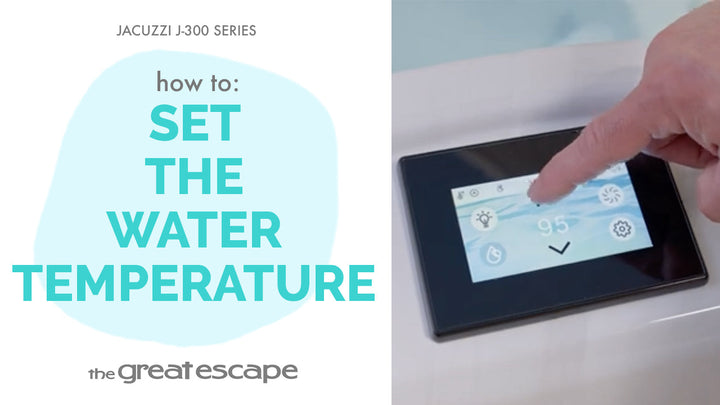
Whether you're a daily soaker or saving energy between dips, adjusting the heat mode on your Jacuzzi 300 Series hot tub is a quick and simple way to match your spa to your lifestyle. We’ll walk you through it in just a few taps.
Guide details
Key Takeaways:
1. Adjusting your heat mode helps balance comfort and energy savings.
2. Modes include Auto, Economy, and Day, each offering different performance levels.
3. Changes take just seconds through the digital control panel.
Step-by-Step Process:
1. Tap the screen to wake up the display.
2. Press the “one” and “two” buttons to access the main controls.
3. Tap the Settings icon.
4. Select the Heat icon.
5. Choose your desired heat mode: Auto, Economy, or Day.
6. Tap the checkmark to confirm your selection.
Resources and Explanations:
1. Auto Mode: Heats the spa as needed to maintain your set temperature.
2. Economy Mode: Heats only during filter cycles—ideal for energy savings.
3. Day Mode: Heats during daytime hours—great for predictable routines. • Touchscreen Controls: Simple interface for quick adjustments.