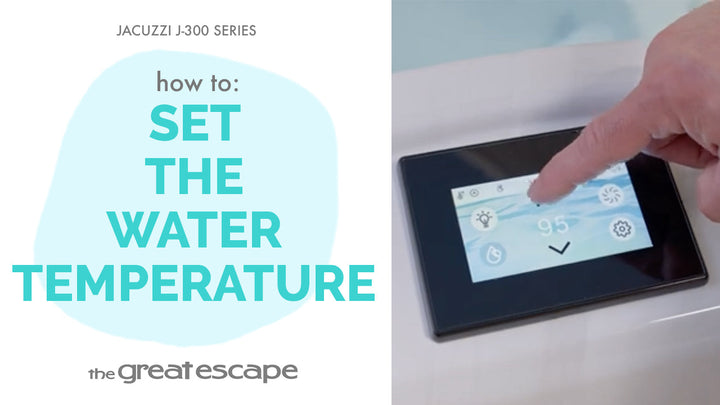
Want to keep your spa settings secure? The lock display feature on your Jacuzzi 300 Series lets you control access with a custom 4-digit code—perfect for families, guests, or peace of mind. This quick guide will show you exactly how to lock and unlock your display with ease.
Guide details
Key Takeaways:
1. Prevent accidental changes to spa settings.
2. Easily choose which functions to lock.
3. Unlock anytime using your custom code.
Step-by-Step Process:
1. Wake up the display by pressing the screen.
2. Press the “one” and “two” buttons together to access full settings.
3. Tap the Settings icon.
4. Scroll up and select Lock Settings.
5. Choose the features you'd like to lock.
6. Enter a custom 4-digit code.
7. To unlock later, repeat the steps and enter your code.
Resources and Explanations:
1. Lock Settings Menu: Found in the Settings panel, this tool lets you lock specific functions like temperature, jets, and more.
2. 4-Digit Code: Personalized security code for unlocking your selected features.
3. Display Wake Feature: Simply tap the screen to start—no extra steps needed.