Looking to enjoy your favorite playlist while relaxing in your spa? This quick guide walks you through the easy steps to connect your smart device to the Signature Series stereo system via Bluetooth.
Guide details
Key Takeaways
1. Accessing the stereo system through your spa's control panel is simple and intuitive.
2. The stereo connects to your device via Bluetooth for wireless streaming.
3. Enhances your spa experience with personalized sound.
Step-by-Step Process
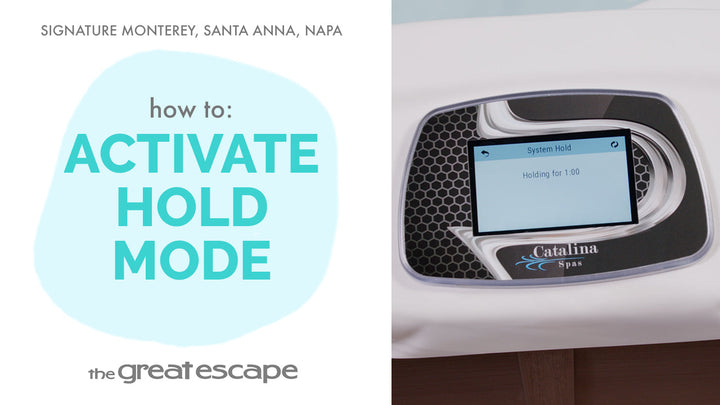
1. Tap the screen to wake up the spa display.
2. Press the "1" and "2" icons to open the main menu.
3. Select the “JET” icon, then tap “STEREO” to turn on the stereo.
4. On your smart device, connect via Bluetooth to “SC012345.”
5. Open your favorite music app and press play!