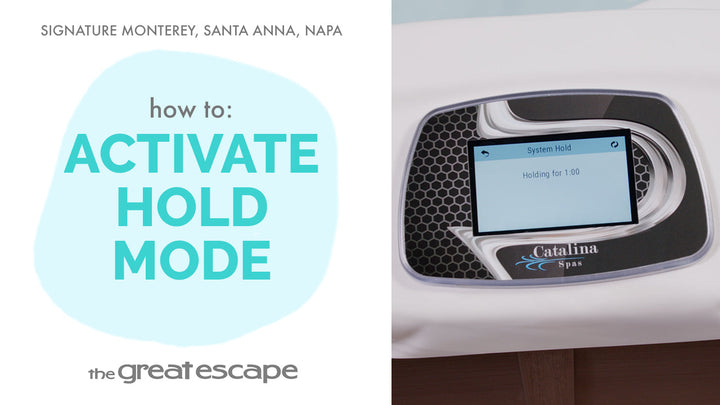
Need to update the clock on your spa? In this quick tutorial, we’ll walk you through setting the time on your Signature Series spa by Catalina, making it easy to keep everything in sync.
Guide details
Key Takeaways:
1. Learn how to access the time settings on your Catalina Signature Series spa.
2. Understand how to adjust both hours and minutes using the touchscreen interface.
3. Save your changes with just a tap to keep your spa system running on time.
Step-by-Step Process:
1. Tap the screen to wake up the spa display.
2. Press the icons labeled "1" and "2" to enter the main menu.
3. Tap the “SETTINGS” icon, then select “TIME.”
4. Tap the hour, then use the arrows to adjust.
5. Tap the minutes, then adjust using the arrows.
6. Tap the checkmark to confirm and save the time.