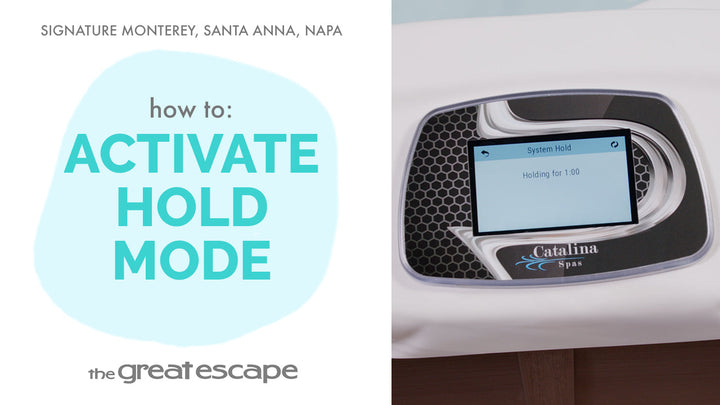
Want quicker access to your spa’s control panel? This short video shows you how to adjust the Tap to Wake setting on your Signature Series spa (Catalina control system), making your spa experience more seamless from the very first touch.
Guide details
Key Takeaways:
1. Reduce the number of taps required to activate your spa display.
2. Learn where to find the Tap to Wake option in your spa’s settings.
3. Improve daily ease-of-use with a quick customization.
Step-by-Step Process:
1. Tap the screen to wake the display.
2. Press the “1” and “2” icons to enter the main menu.
3. Select the “Settings” icon.
4. Navigate to the next display page and choose “Utilities.”
5. Tap the “Wake Up” icon.
6. Press “Tap to Wake” until it reads “NO.”