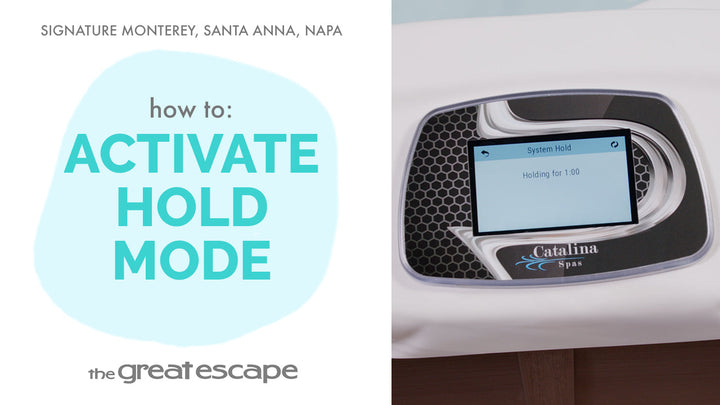
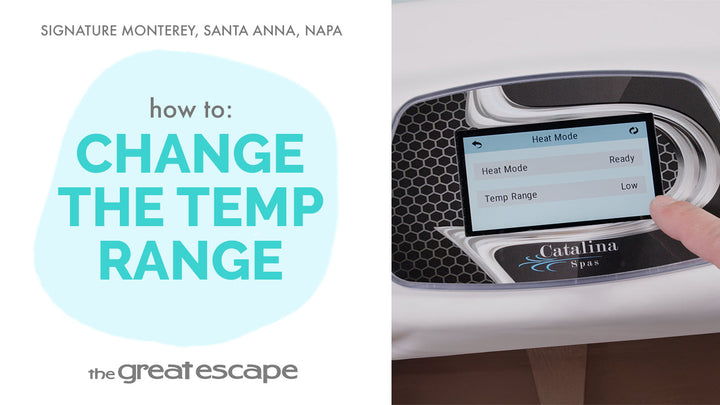
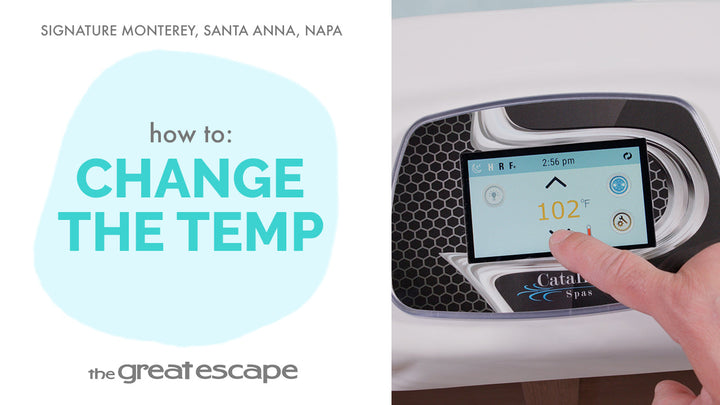
Discover how to take control of your spa’s comfort and energy use with a quick guide to setting heat modes in your Signature Series hot tub. Whether you prefer a spa that’s always ready or want to conserve energy when it’s not in use, this video walks you through the steps to choose between READY and REST modes.
Guide details
Key Takeaways:
1. READY mode keeps your spa at the perfect temperature by running a circulation cycle every 30 minutes.
2. REST mode only heats during scheduled filtration, saving energy when the spa isn’t in use.
3. Switching between modes is simple using your control panel’s HEAT settings.
Step-by-Step Process:
1. Tap the screen to wake up your spa’s control display.
2. Press the “1” and “2” icons to access the main menu.
3. Select the “SETTINGS” icon.
4. Tap the “HEAT” icon, then “HEAT MODE.”
5. Choose between READY or REST to match your preferred usage and energy goals.