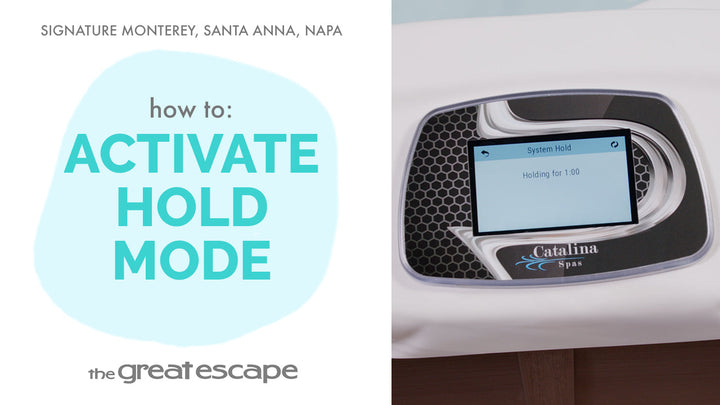
In this quick tutorial, learn how to adjust the filtration cycles on your Signature Series spa—whether you own the Monterey, Napa, or Santa Anna model. Customizing your filtration schedule helps maximize energy efficiency while keeping your water crystal clear.
Guide details
Key Takeaways
1. Learn the difference between Filtration Cycle 1 (low speed, energy-efficient) and Cycle 2 (high speed, deep cleaning).
2. Understand how to access and personalize your filtration settings based on your usage.
3. Discover how simple schedule adjustments can enhance your spa experience long-term.
Step-by-Step Process
1. Wake up the spa display by tapping the screen.
2. Press the “1” and “2” icons to enter the main menu.
3. Tap “SETTINGS,” then select the “FILTER” icon.
4. Adjust Filtration Cycle 1 by selecting your desired start and stop times.
5. Activate and set times for Filtration Cycle 2 if extra filtration is needed.
6. Tap the checkmark to save your settings.