Maintaining clean, healthy spa water starts with your filters. In this Signature Spa tutorial, we’ll show you how to safely remove, replace, and reinstall the filters in your Monterey, Napa, or Santa Anna model.
Guide details
Key Takeaways:
1. Turning off the spa is a must before beginning any maintenance.
2. Always submerge new filters in water to remove trapped air before installing.
3. Never overtighten the filters during reinstallation to avoid damage.
Step-by-Step Process:
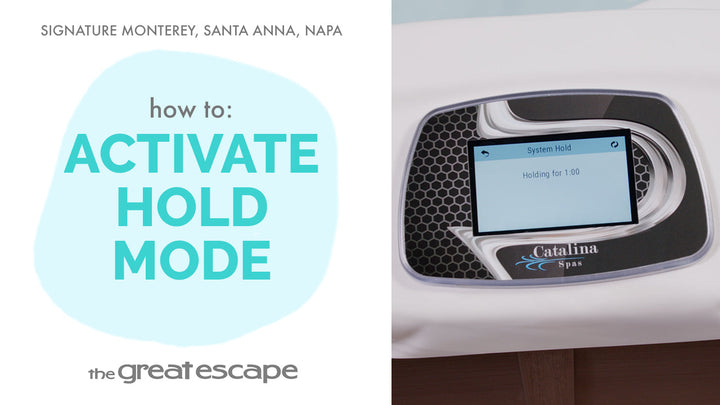
1. Press the “HOLD” icon on your control panel or flip the breaker to turn off the spa.
2. Remove the filter cover and unscrew both old filters counterclockwise.
3. Submerge the new filters in water and shake gently to release air bubbles.
4. Install the new filters by turning them clockwise, avoiding overtightening.
5. Replace the filter cover, and you’re all set.