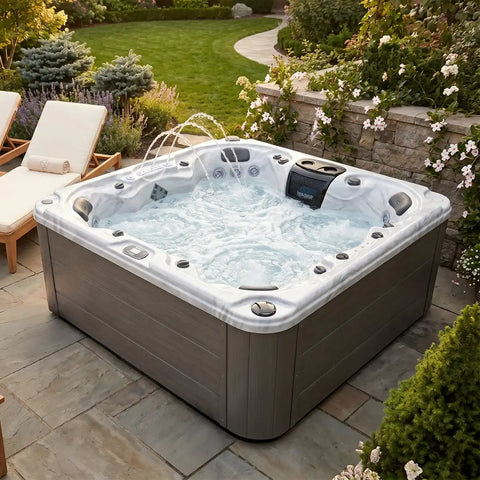
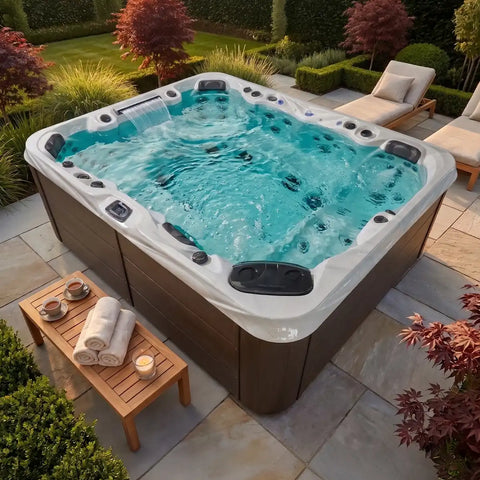
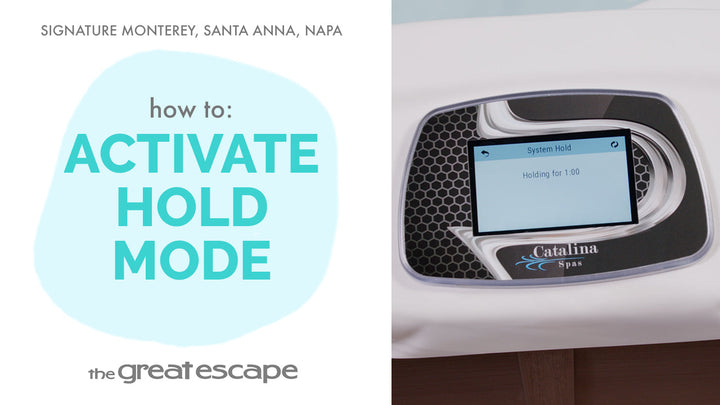
Bring your Signature Spa experience to life with the soothing ambiance of flowing water. In this video, we’ll show you how to activate and adjust the water features on your Catalina spa model. It’s simple, serene, and one more way The Great Escape helps you unwind in style.
Guide details
Key Takeaways:
1. Water features are powered by Jet 1
2. Controlled with a simple turn of the top-side valve
3. Always turn off the water feature when the spa isn’t in use
Step-by-Step Process:
1. Turn on Pump 1 to either low or high speed.
2. Locate the valve on the top side of your spa.
3. Turn the valve counterclockwise to allow water to flow.
4. To stop the water feature, turn the valve clockwise until fully closed.