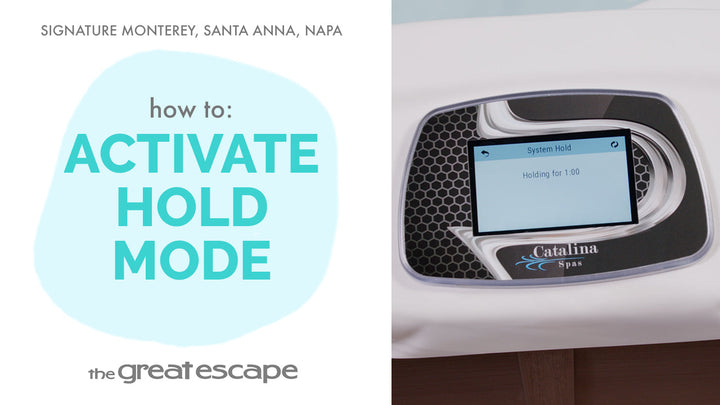
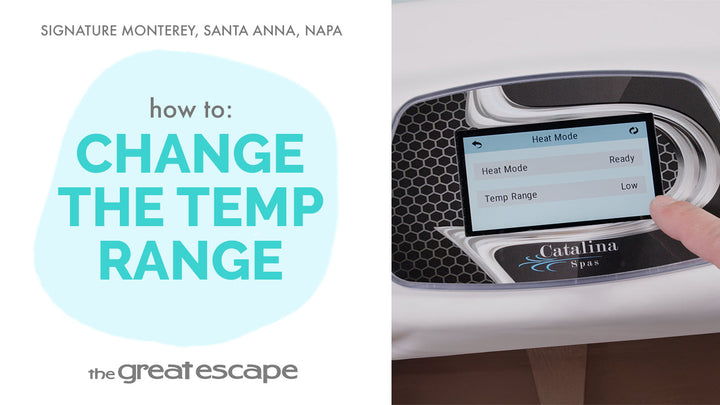
Your Signature Series spa is designed to help you stay on track with routine care—but sometimes, you might prefer fewer on-screen prompts. In this quick tutorial, we’ll walk you through the simple process of turning off maintenance reminders.
Guide details
Key Takeaways:
1. Maintenance reminders can be easily disabled from the control panel.
2. Disabling reminders will stop prompts like filter cleaning or water change notifications.
3. The menu is intuitive and accessible through just a few taps.
Step-by-Step Process:
1. Tap the screen to wake up the display.
2. Press the “1” and “2” icons to enter the main menu.
3. Tap the “SETTINGS” icon.
4. Tap on “REMINDERS.”
5. Tap the reminder option until it reads “No.” That’s it!