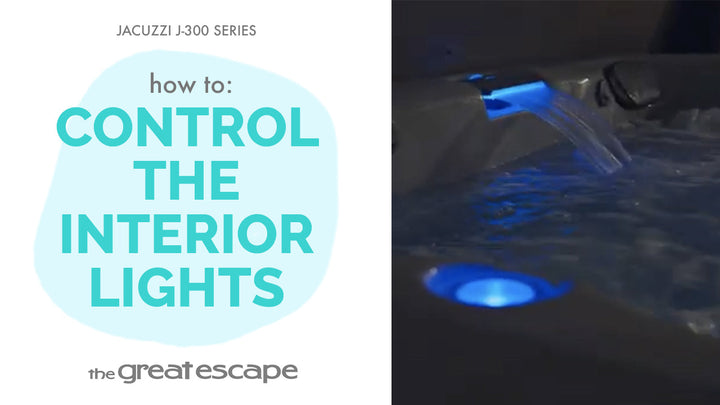
Enhance your spa experience with the soothing sights and sounds of your built-in waterfall. This quick guide shows you how to activate and adjust the waterfall feature on your Jacuzzi 300 Series hot tub in just a few simple steps.
Guide details
Key Takeaways:
1. The waterfall is activated via the digital control panel.
2. Use the dial above the waterfall to control the flow.
3. Adds ambiance and relaxation to your spa experience.
Step-by-Step Process:
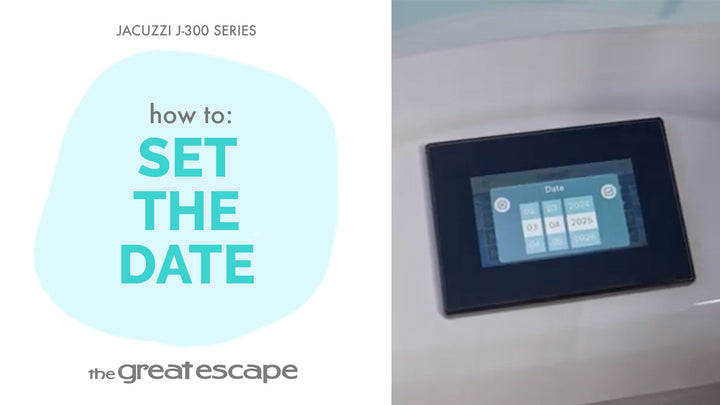
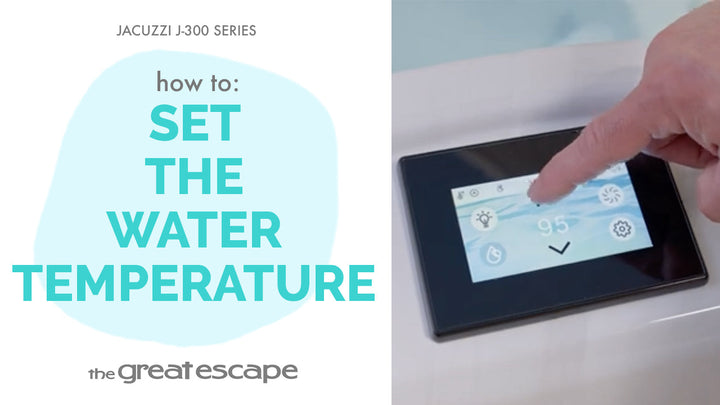
1. Tap the hot tub screen to wake the panel.
2. Press the “One” and “Two” buttons together to unlock settings.
3. Tap the Water Drop icon to activate the circulation system and turn on the waterfall.
4. Adjust the waterfall flow using the dial located above the waterfall: Clockwise to increase flow Counterclockwise to decrease flow
Resources and Explanations:
1. Water Drop Icon: Symbol for the circulation system that powers the waterfall.
2. Waterfall Dial: Offers manual control over the water flow for customized ambiance.
3. Control Panel Navigation: Designed for ease of use, even in low light.