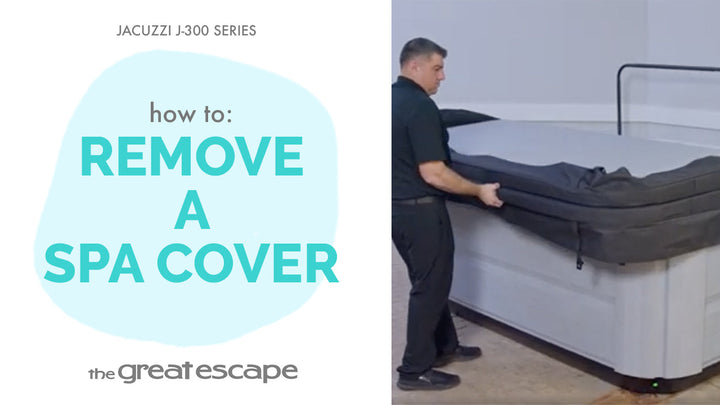
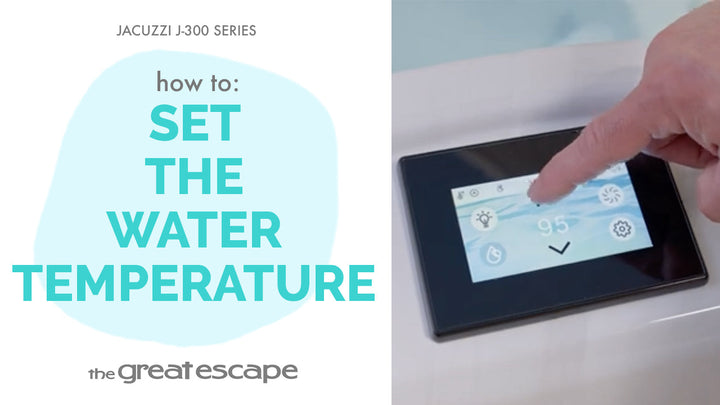
Ready for that soothing spa soak? This quick tutorial walks you through how to activate the jets on your Jacuzzi 300 Series hot tub—so you can start relaxing in no time.
Guide details
Key Takeaways:
1. The touchscreen control panel must be awake to activate jet functions.
2. Jet One and Jet Two can be turned on individually.
3. Following the correct tap sequence is key to getting things flowing.
Step-by-Step Process:
1. Tap the control screen to wake it up.
2. Press both the “One” and “Two” buttons to unlock the control panel.
3. Press the Jet icon to access jet settings.
4. Tap Jet One to start the first pump.
5. Tap Jet Two to start the second pump if your spa has dual jets.
6. If the jets don’t activate, make sure the screen is awake while tapping.
Resources and Explanations:
1. Jet One & Jet Two: Represent different pumps for different seating zones or intensities.
2. Control Panel Wake-Up: The system may time out if not used within a few seconds—just tap to re-activate.
3. Touchscreen Icons: Make spa operation simple and streamlined.